Homebrew on macOS
brew trust --formula joshka/tap/jk
brew install joshka/tap/jk
The trust step follows the joshka/homebrew-tap install pattern.
jk is a jj-native terminal UI for inspecting changes, previewing
local mutations, capturing command output, and recovering through Jujutsu's operation log
without losing terminal context.
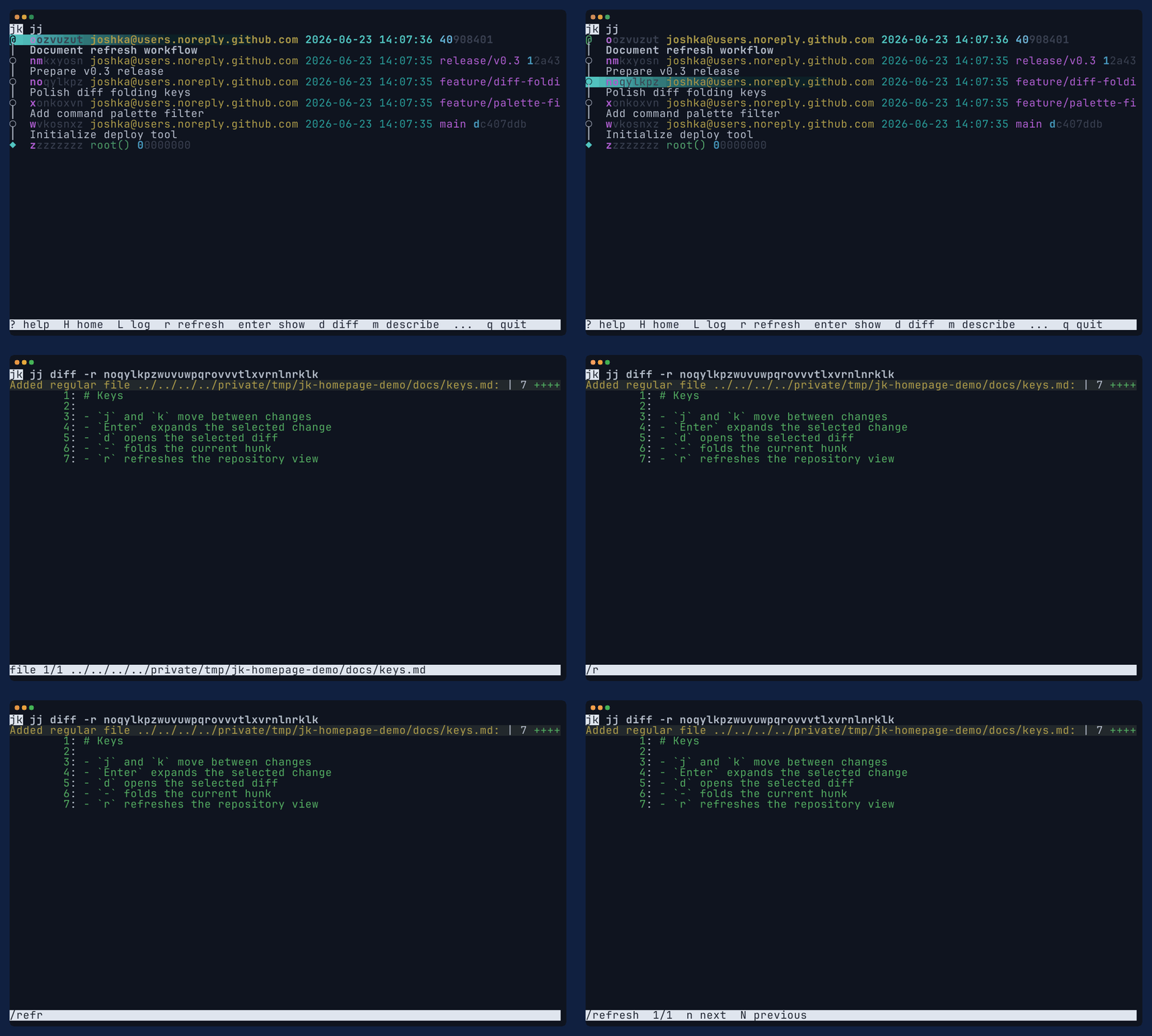
Install
Install from Josh's Homebrew tap on macOS, or use cargo-binstall for prebuilt Rust release archives on macOS and Linux.
This release snapshot focuses on inspection, diff review, command previews, command history, operation recovery, and workspaces. Rebase, refs, remotes, and persistent history remain planned follow-up work.
Homebrew on macOS
brew trust --formula joshka/tap/jk
brew install joshka/tap/jkThe trust step follows the joshka/homebrew-tap install pattern.
cargo-binstall
cargo binstall jk
Uses the published jk binary archive when your platform is supported.
From source
cargo install jk --lockedFalls back to a normal crates.io build when you want Cargo to compile locally.
Workflow
The first screen is the view you would reach for with jj log, kept open in a
terminal you can refresh after another tool changes the repository. From there,
jk opens focused views, prompts, and previews only when the workflow asks for
them.
Move from log to show, diff, status, or evolog, then return to the same selected change.
Describe, abandon, new, edit, undo, and redo show the exact jj command before confirmation.
Command History and Operation Log keep command output, operation ids, undo, redo, and jj op views close by.
Design constraints
jk follows Jujutsu's command model and configuration first. It starts from
the output you already trust: your revsets, templates, graph style, colors, and diff
preferences. Interactivity should make that output easier to keep open, inspect, and act
from.
Current mutating workflows follow the same shape: resolve the object from the selected row, show the exact command, confirm before mutating, refresh after completion, and leave a recovery route through Command History and Operation Log.
jk keeps rendered jj output as the source of truth, then adds navigation, previews, and recovery around it.
jk honors jj configuration for default commands, revsets, templates, graph style, colors, diff formats, and operation semantics.
The default stays compact: one primary view, with separate screens or overlays for details, diffs, prompts, and previews.
The mutation loop keeps command history, operation log, undo, redo, and operation details beside every write.
Diff review
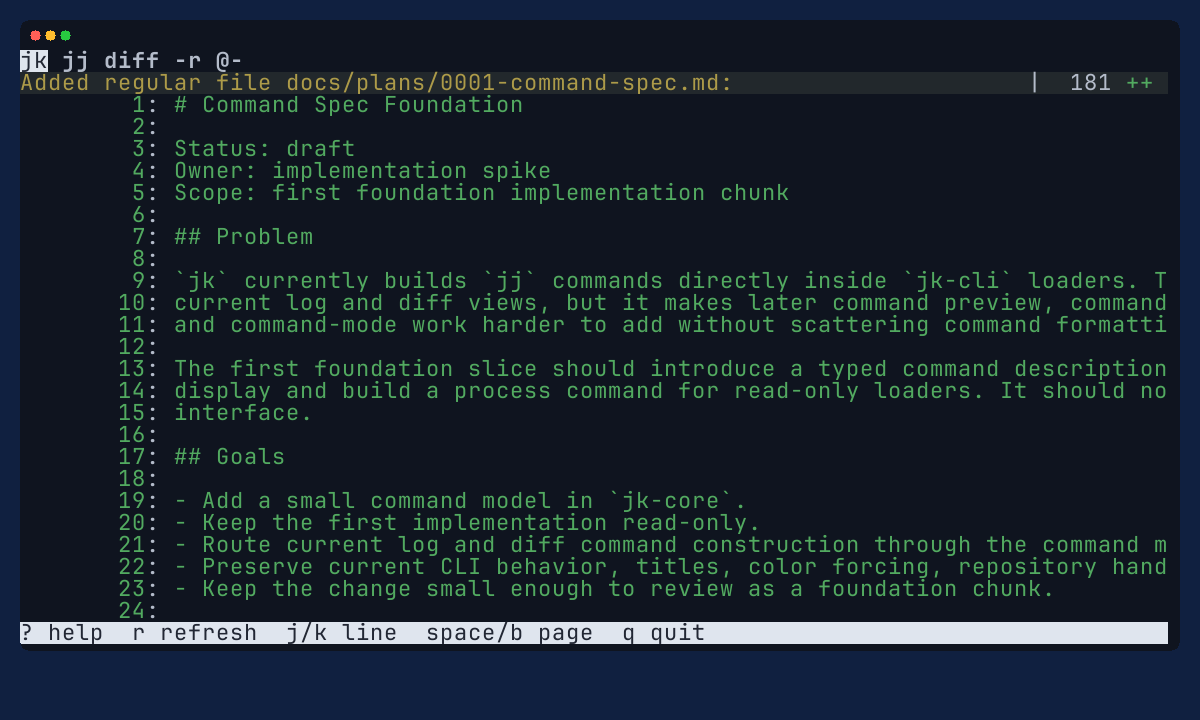
jk diff opens rendered jj diff output for the current change,
one revision, or an explicit from/to range. The release snapshot adds hunk and file
movement, folding, search, current-file status, a file-list overlay, and diff View
Options for summary, stat, name-only, git, and color-words output.
Recent polish
Recent updates tighten the rough edges that show up in daily dogfooding: nested no-working-copy containers, stale workspace metadata, elided graph lanes, inline expansion placement, and long revision IDs in follow-up commands.
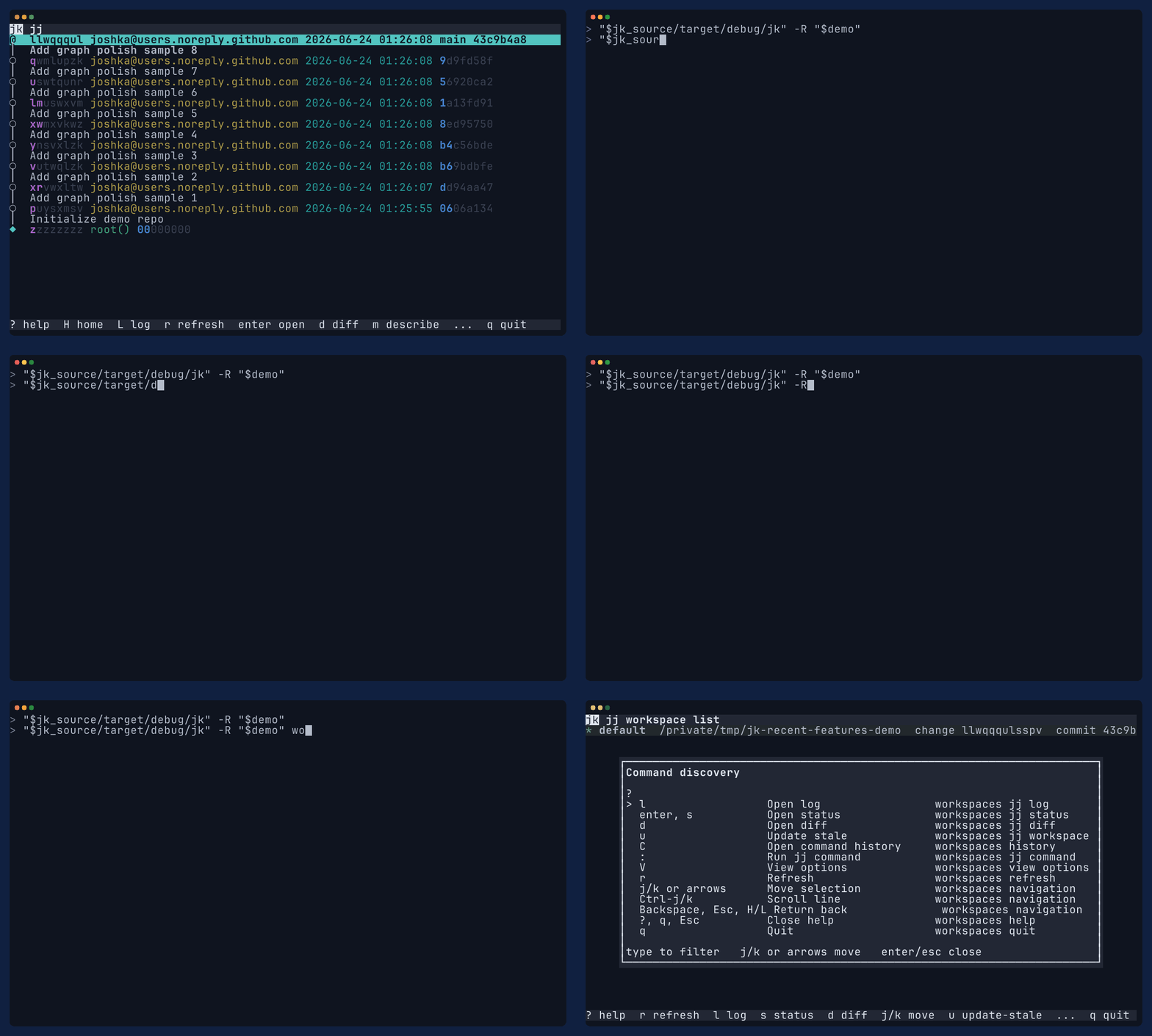
Starting jk from a no-working-copy jj container now resolves to the default child workspace when one is available.
Read-only log startup uses jj's stale-working-copy escape hatch so inspection can still open before mutation paths touch working-copy state.
Elided ~ rows drill into the graph lane they belong to, keep selection when returning, and keep inline expansion connected to the surrounding graph.
Navigation commands use shortened revision IDs while keeping full change IDs for selection and mark identity.
Usage
This release is a useful snapshot before rebase-specific workflows. It concentrates on the loop that makes day-to-day jj work safer: inspect, preview, run, record, refresh, and recover.
Enter, d, s, and v open show, diff, status, and evolog views for the selected change.
Move by line, page, file, and hunk; search; fold hunks and files; jump with the file list; switch diff formats with V.
: runs direct jj commands, captures stdout/stderr, keeps failures inspectable, and records the command in history.
m, a, n, e, u, and U open command previews for describe, abandon, new, edit, undo, and redo.
C opens Command History and o opens Operation Log or the operation created by a confirmed command.
W lists sibling jj workspaces, refreshes stale workspaces, and opens selected-workspace log/status/diff views.
Commands
Bare jk follows jj's configured default command when it is
log-like enough for semantic navigation. Explicit commands keep canonical
jj argument shapes visible so the TUI, command history, previews, and docs
can all talk about the same command.
In the TUI, : runs direct jj commands and keeps output in
Command History. Mutating shortcuts remain behind command previews so the release keeps a
visible confirmation and recovery path.
jk Open the configured default jj command when it is log-like enough for navigation.
jk log Open the explicit log path.
jk log -T <template> Render with a selected jj log template while keeping semantic navigation stable.
jk diff -r <revision> Inspect one revision using the canonical jj diff shape.
jk diff --from A --to B Compare two revisions from marks, cursor context, or explicit CLI arguments.
jk show <revision> Inspect selected-change details with jj show output.
jk status Inspect repository status without leaving the focused TUI flow.
jk workspaces List sibling jj workspaces and open workspace-scoped log, status, and diff views.
jk -R /path/to/repo -n 20 Carry repository and limit context through generated jj commands.
Docs
The repository docs describe the shipped behavior directly. The README stays short; the usage guide carries task flows for inspection, diff review, command previews, command mode, command history, operation recovery, and workspaces.
jk session. a, n, and e mutation keys are dogfood shortcuts until the broader action menu lands. Motivation
jk starts from a common jj workflow: keep
jj log visible while the repository changes somewhere else. Without a
refreshable view, you quit the log, rerun it, and find your place again.
The TUI should still feel like jj. It should use your revsets, colors,
templates, graph style, and output preferences instead of replacing them with a parallel
display model. The first job is to keep configured command output on screen and make it
easier to navigate.
That requirement keeps the layout small. jk starts from one compact view and
adds detail when you ask for it: inline expansion, detail screens, overlays, prompts, and
command previews. Split layouts can be useful, but the default should not require pane
focus, pane resizing, or scanning several regions just to keep up with repository state.
The release snapshot proves that command-shaped model for inspection, command mode, command history, operation recovery, workspaces, and the first safe mutation previews. Larger workflows such as rebase, refs, remotes, and persistent history come after this baseline is shipped.
Media
These captures show the current release surface. Final public GIFs are generated from Betamax tapes so the README, crates.io, website, and release notes can reuse the same evidence.
Homepage workflow animation
jk-homepage.gif
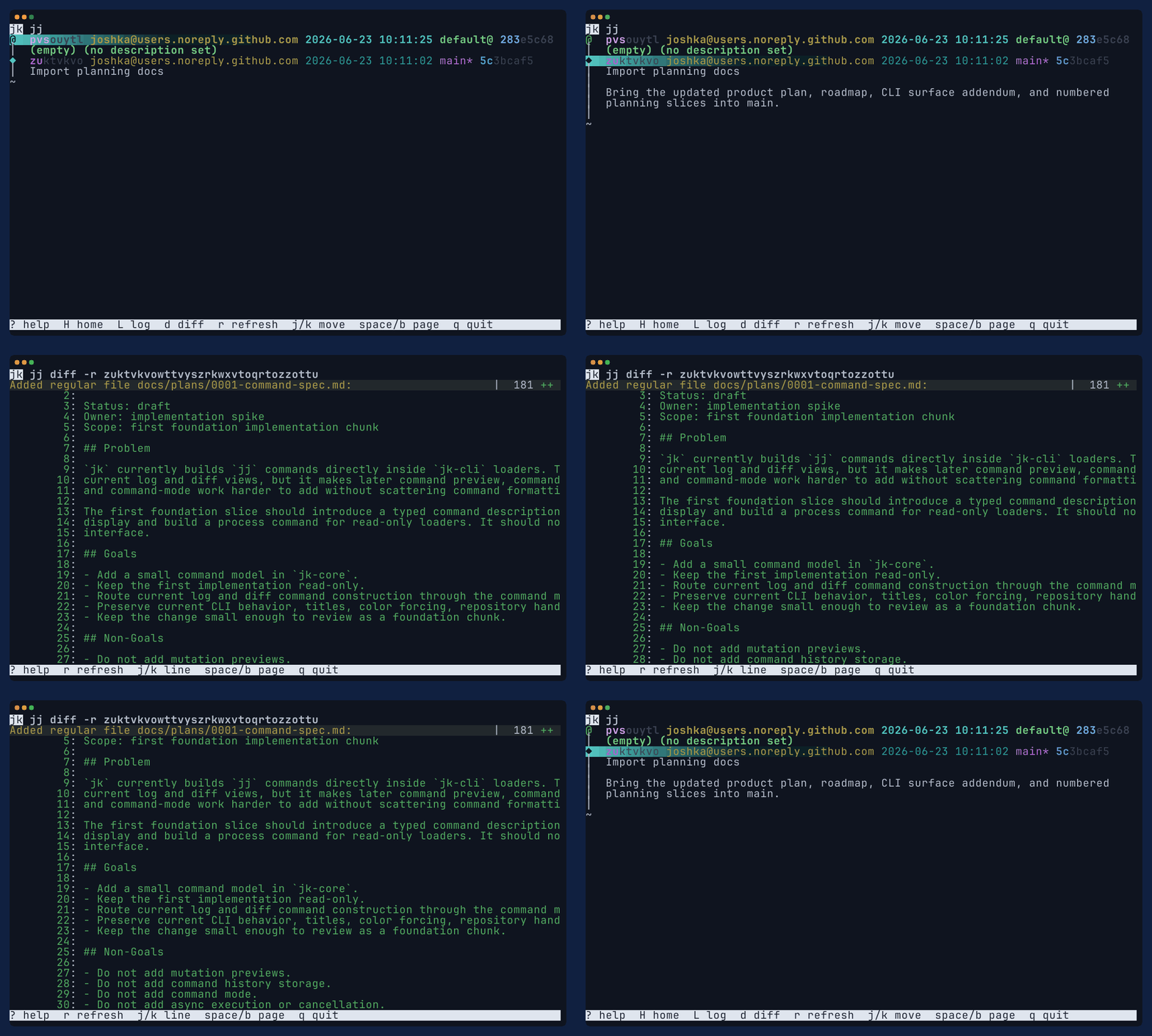
Log workflow animation
jk-log.gif
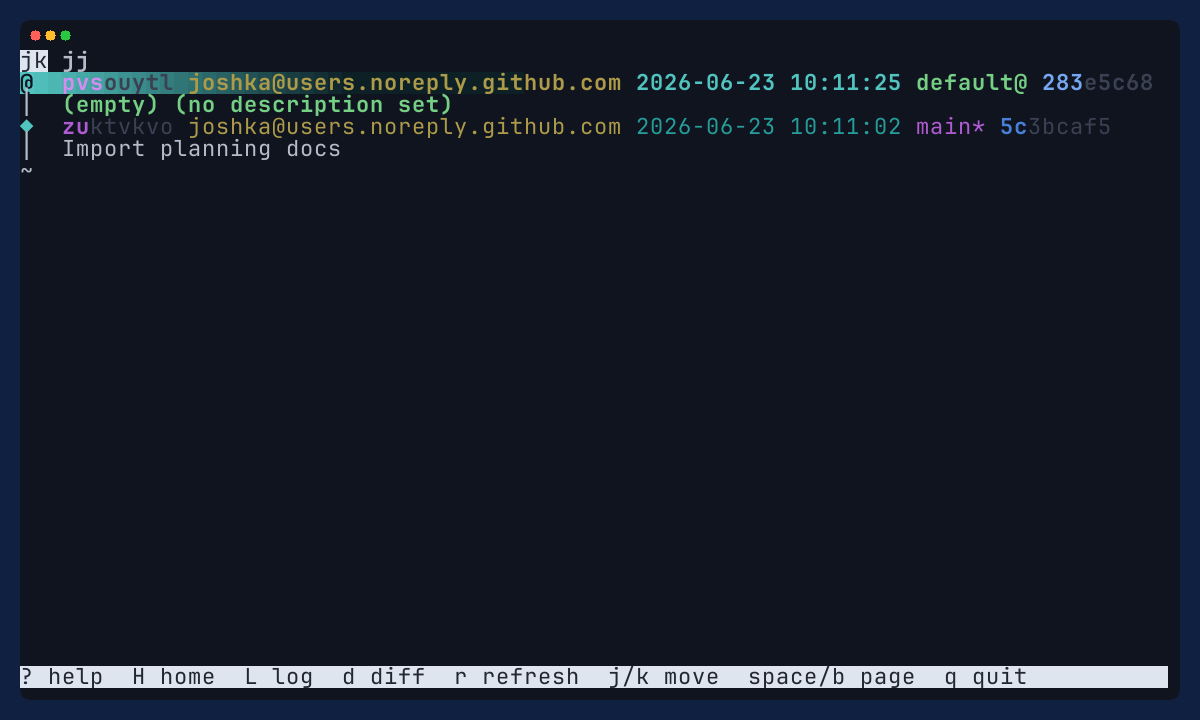
Log view
jk-log.png
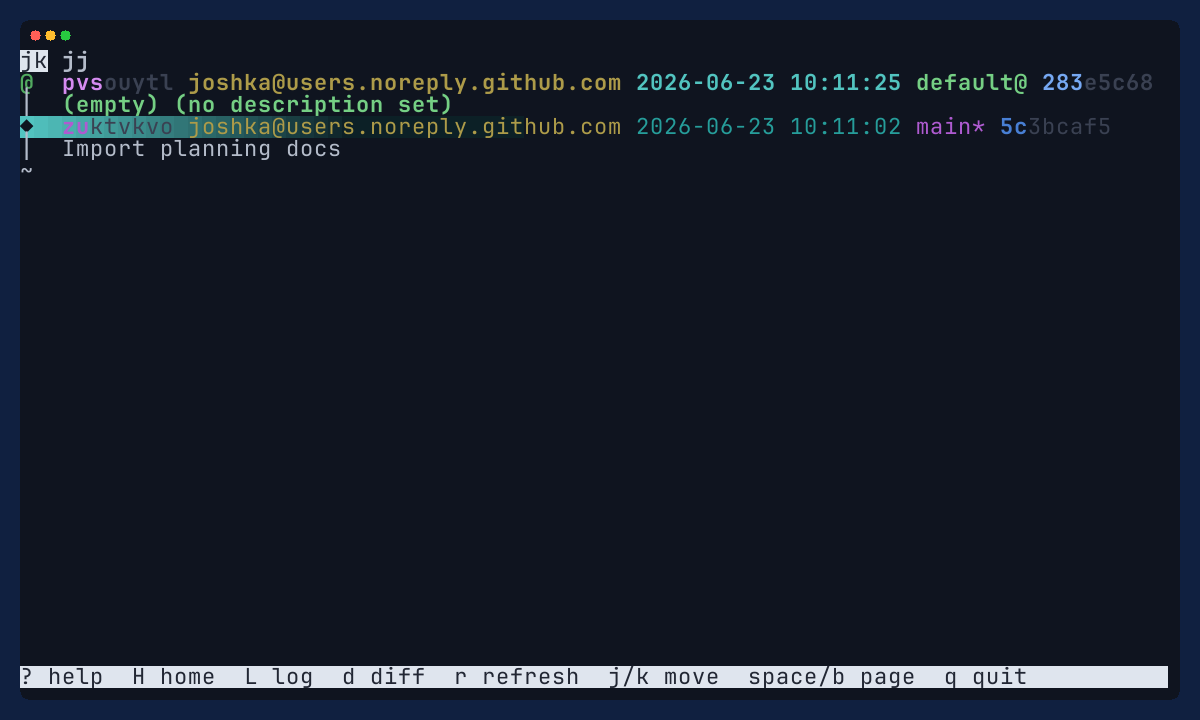
Selected change
jk-log-selection.png
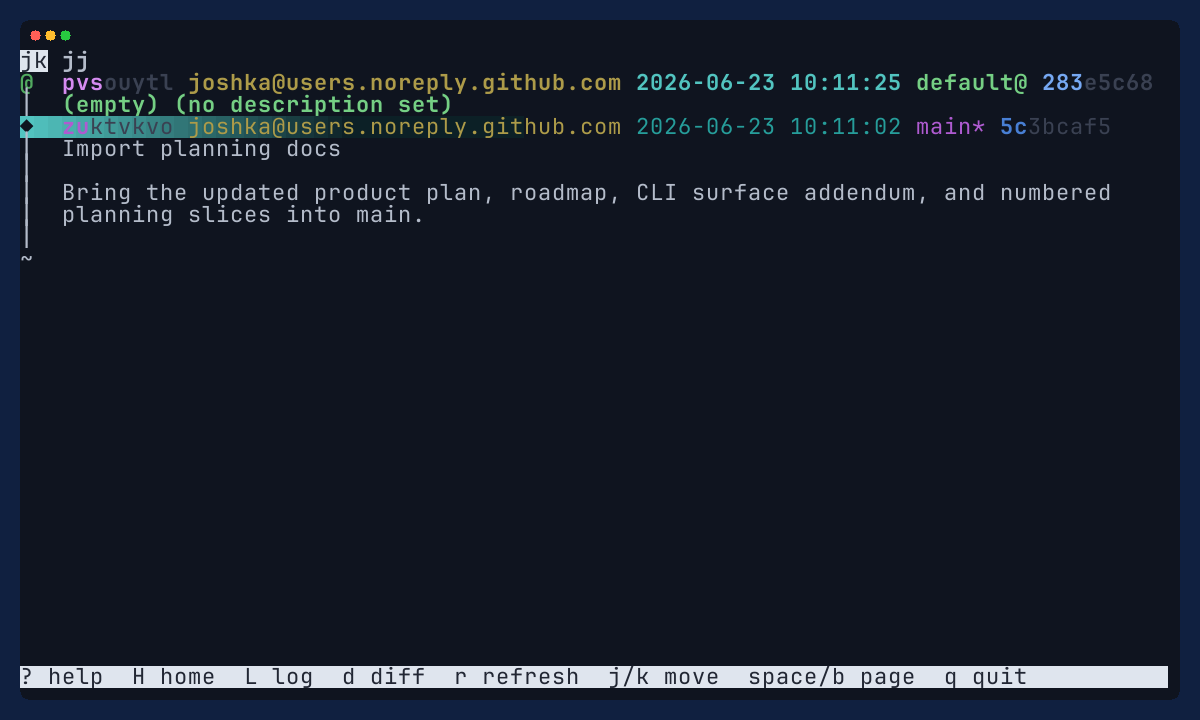
Expanded change details
jk-log-expanded.png
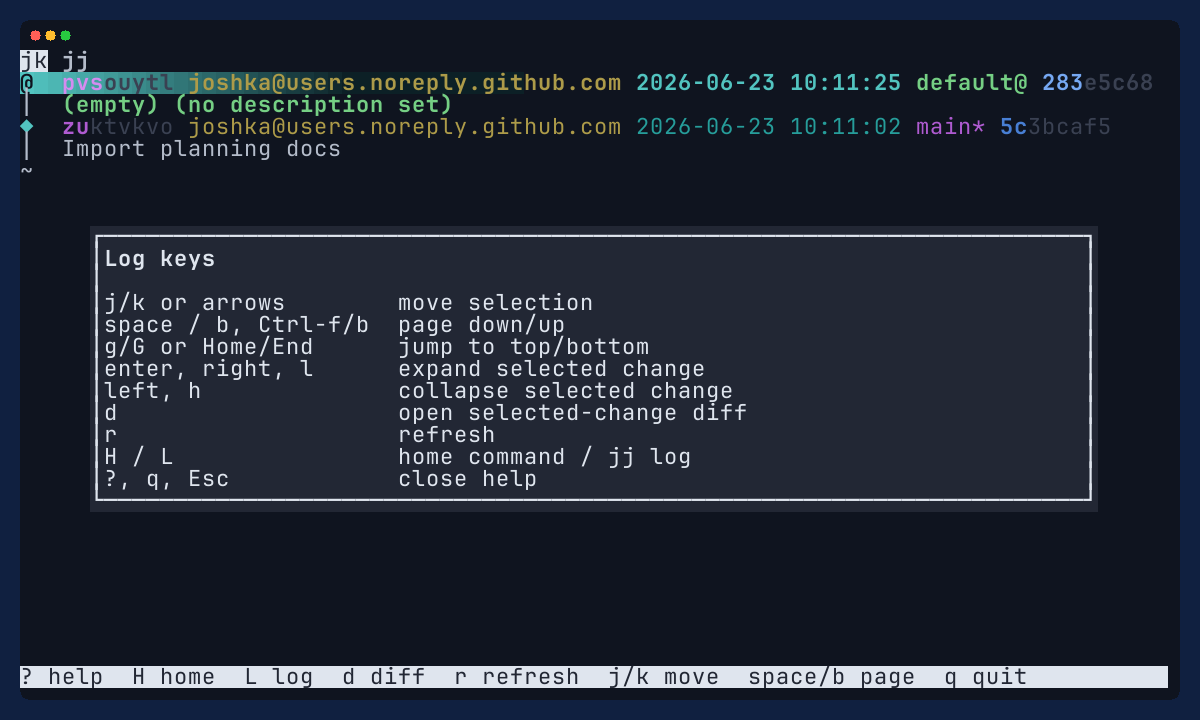
Log help overlay
jk-log-help.png
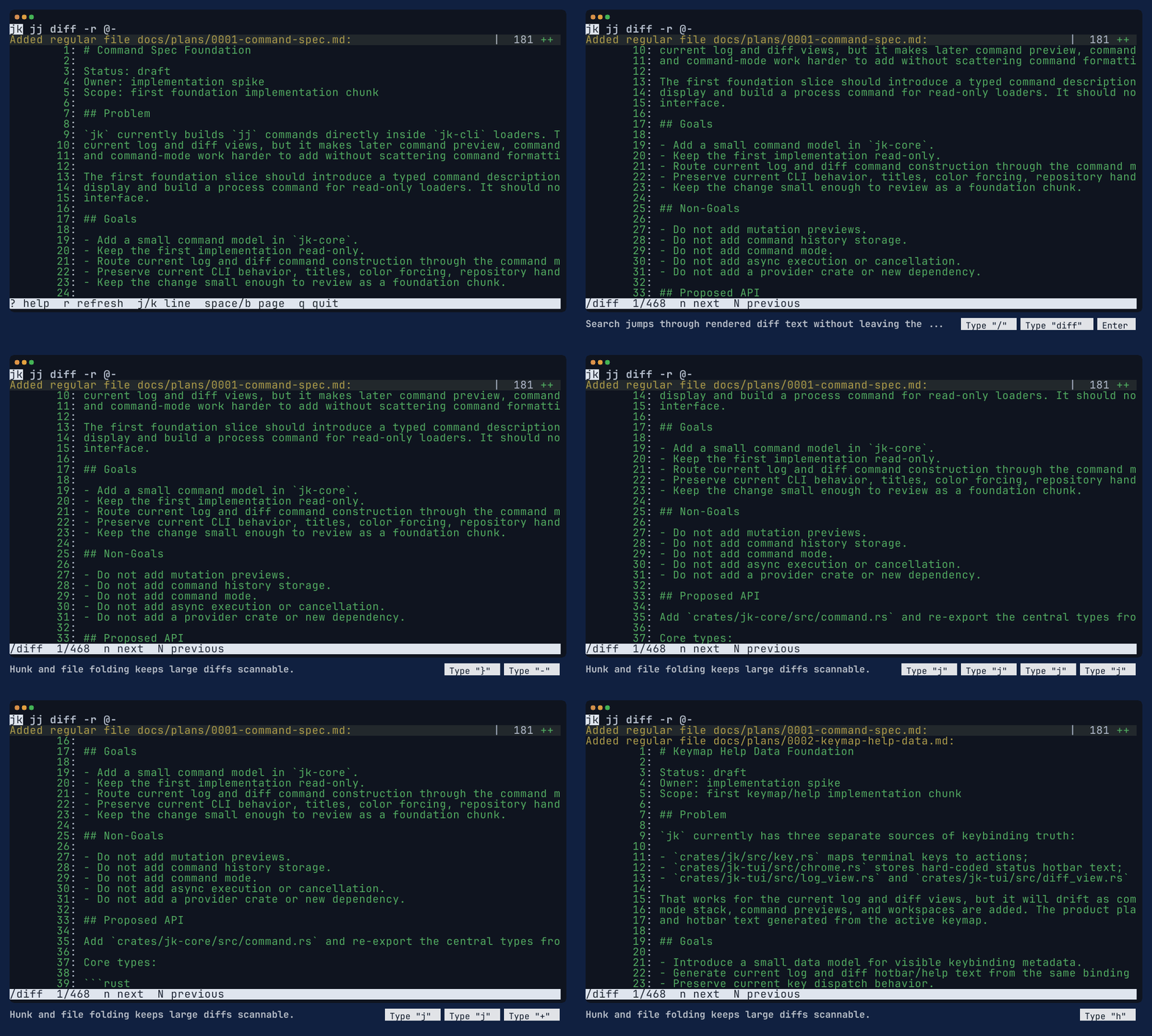
Diff workflow animation
jk-diff.gif
Diff view
jk-diff.png
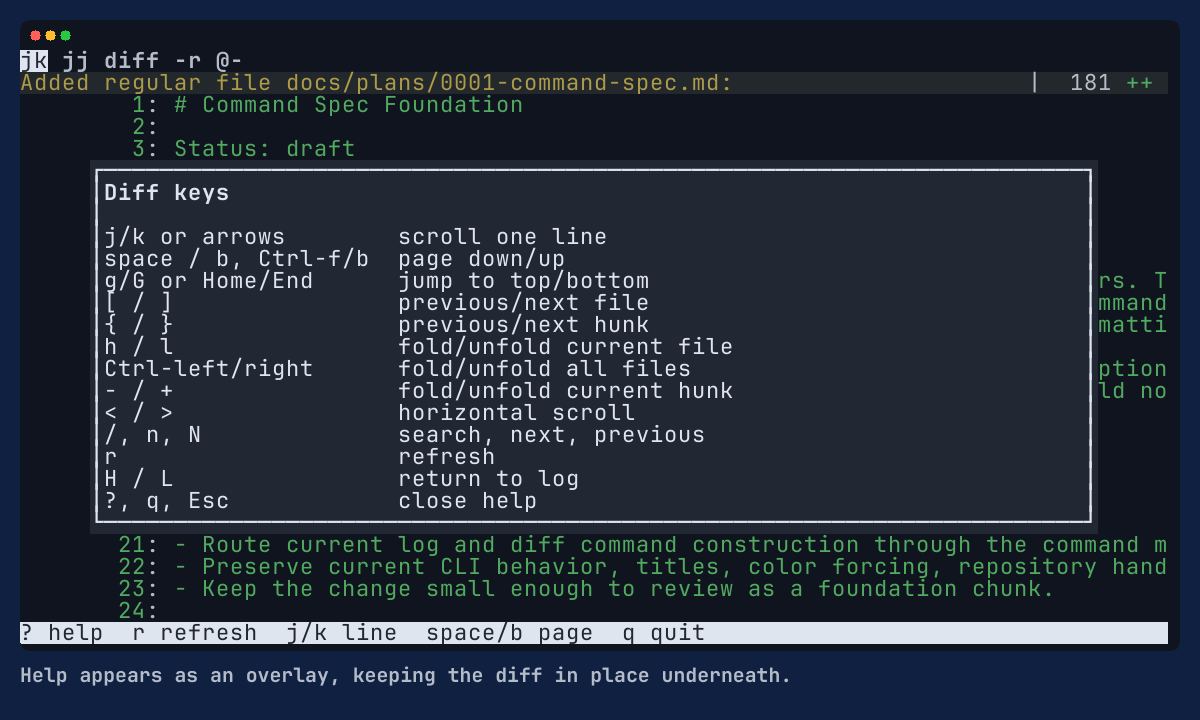
Diff help overlay
jk-diff-help.png
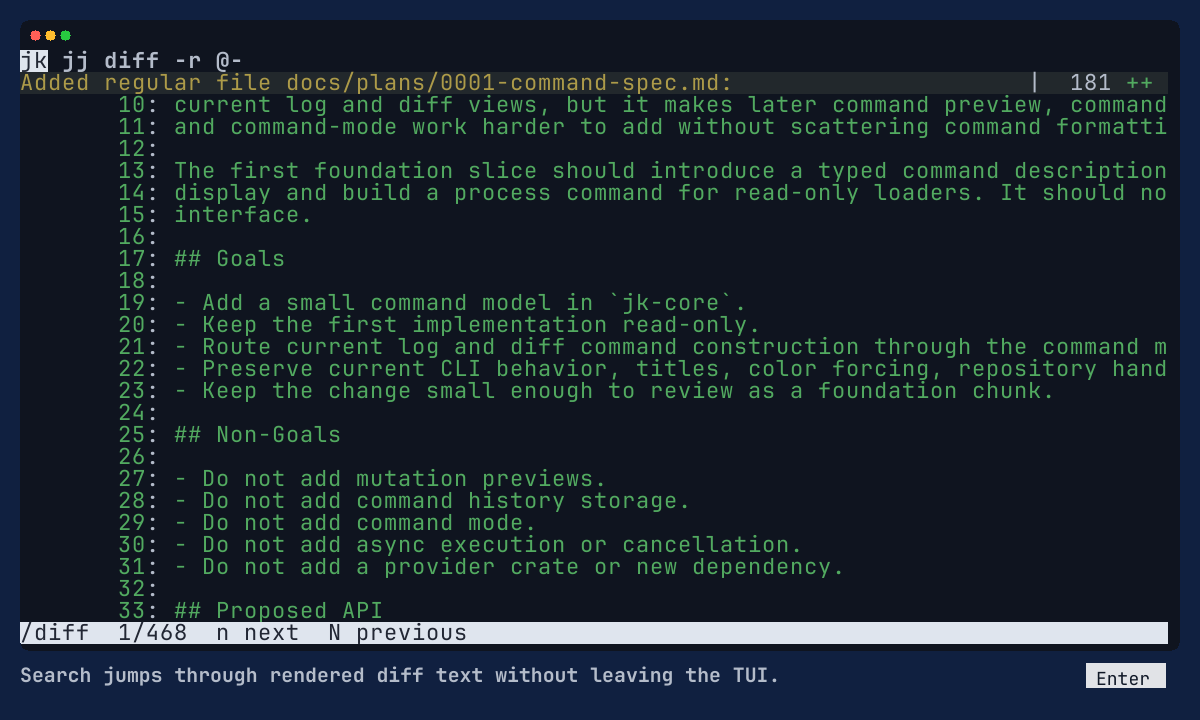
Diff search
jk-diff-search.png
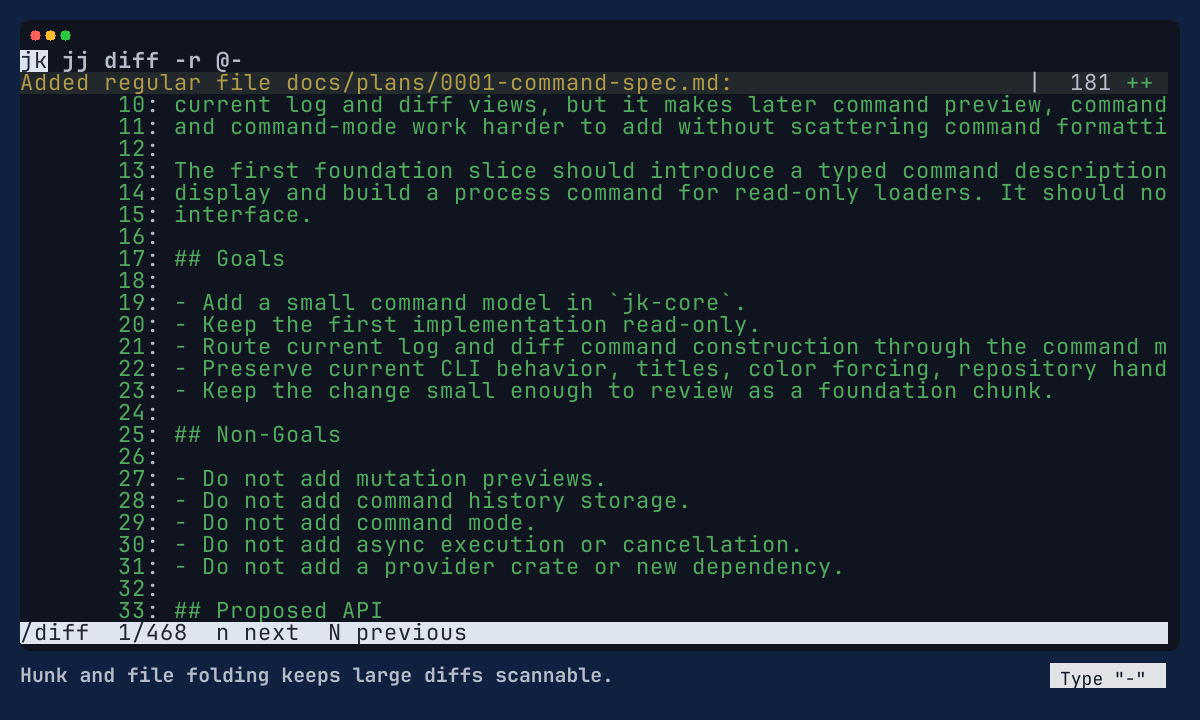
Folded hunk
jk-diff-folded-hunk.png
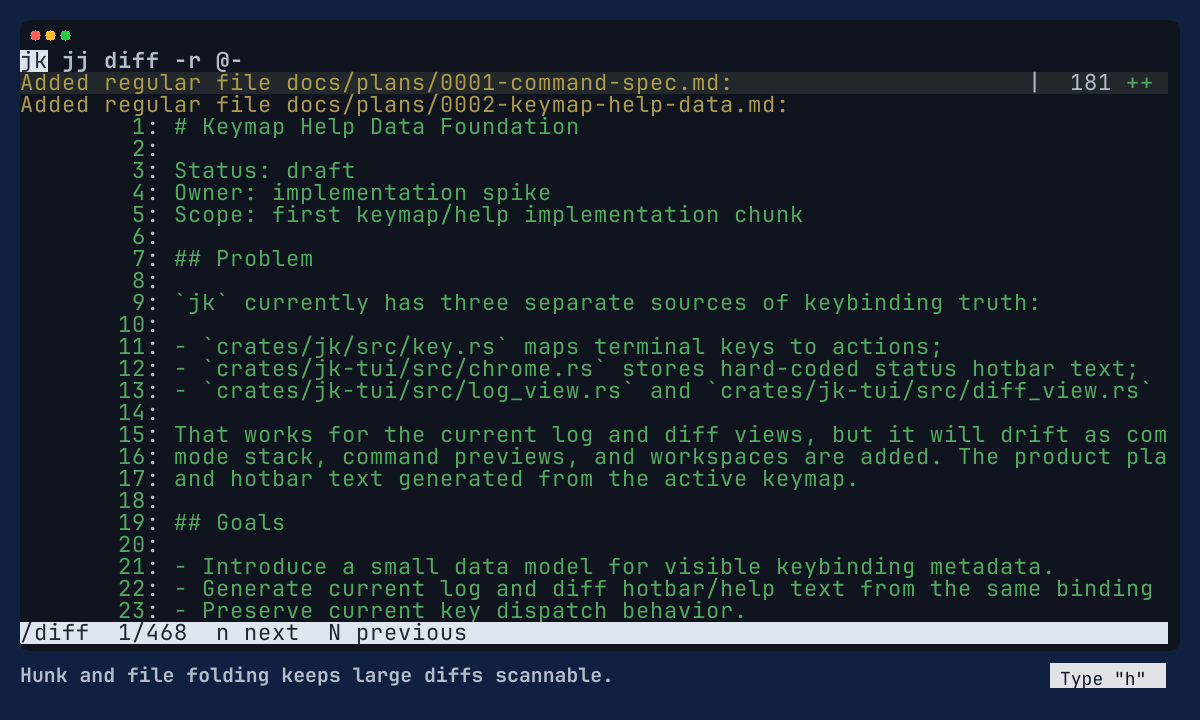
Folded file
jk-diff-folded-file.png
Recent graph and workspace polish
jk-recent-features.gif