Window styling
Betamax draws a synthetic window around the terminal: a backdrop margin, a window bar with an
optional title, an outline, rounded corners, and a shadow. A preset picks all of these at once, and
individual Set commands adjust them.
Decoration changes generated images only. State JSON and the program under test see the same
terminal. The margin, window bar, and caption row do take space from Width and Height, so more
decoration leaves a smaller PTY grid.
Presets
Section titled “Presets”Set Preset Framed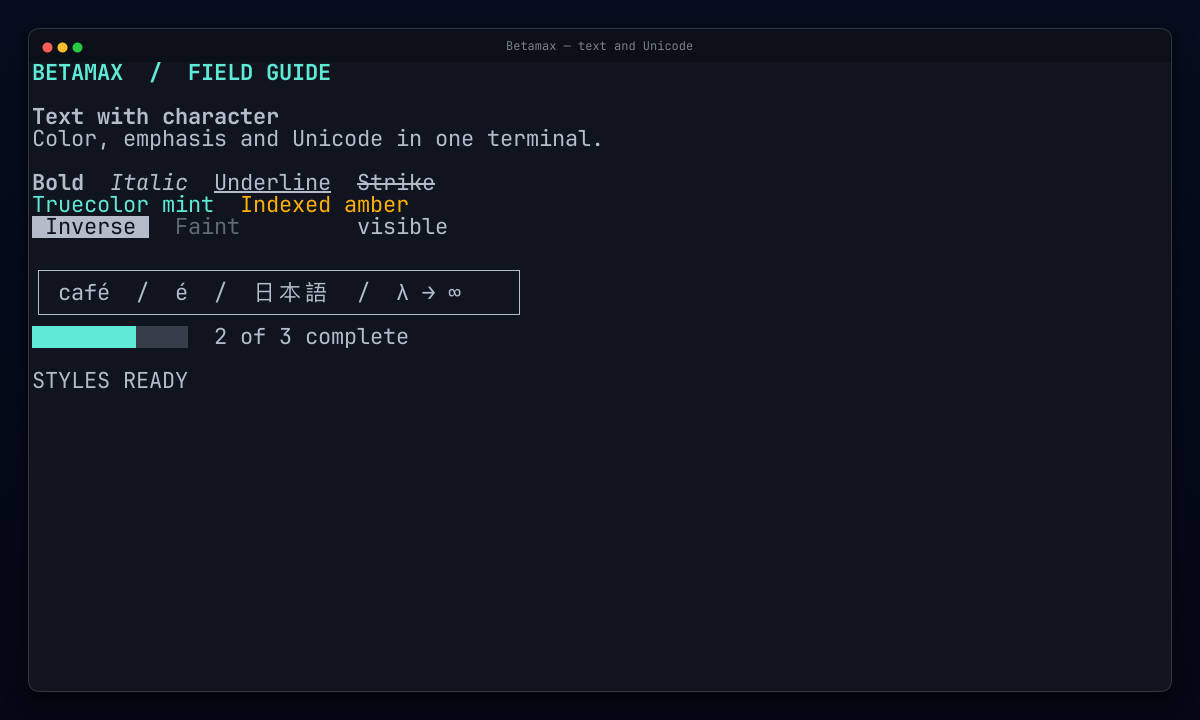
Framed: the default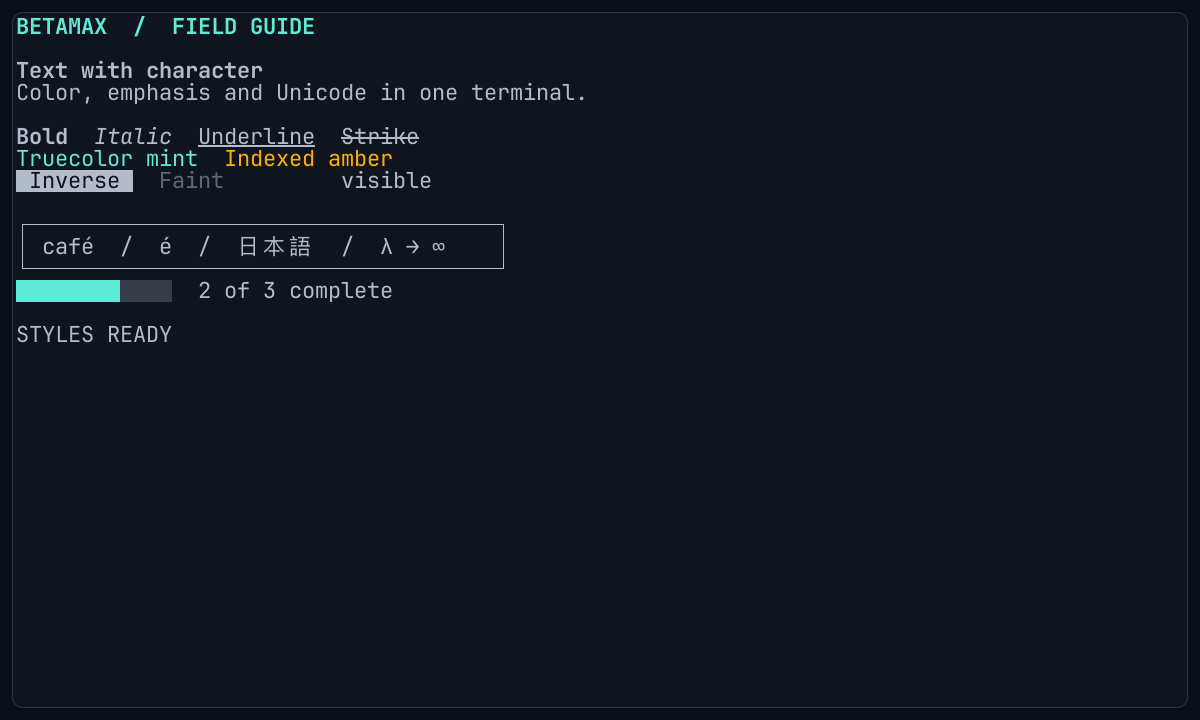
Inset: a compact panel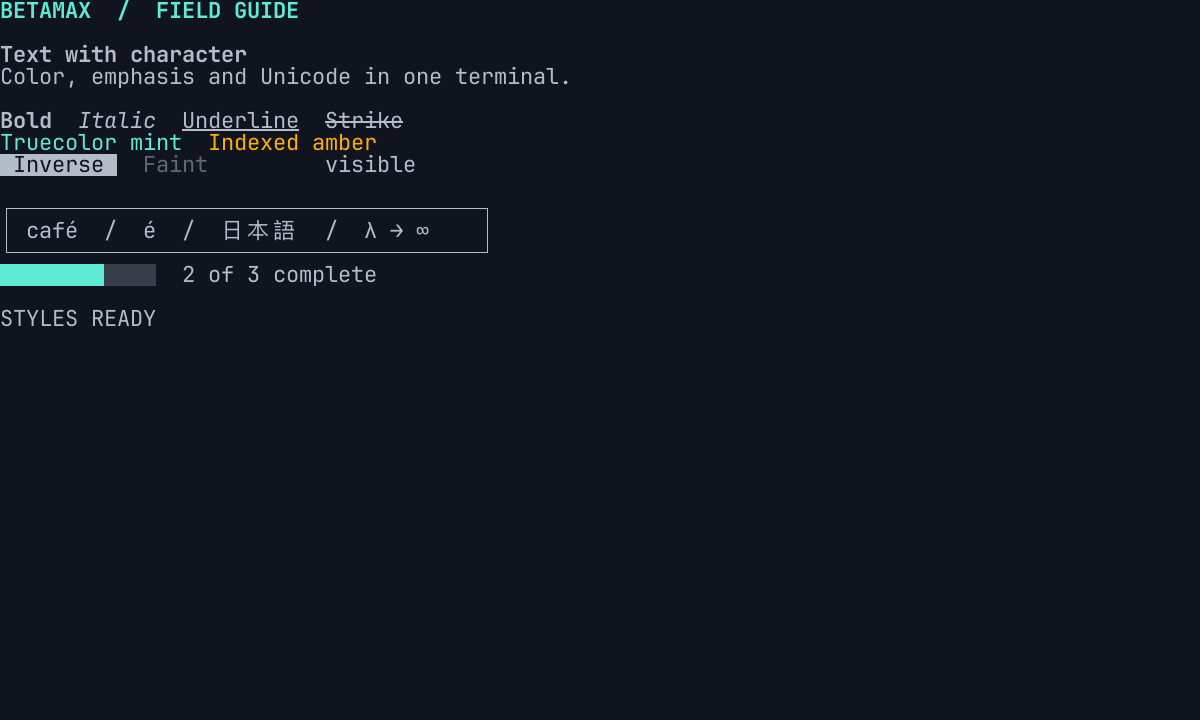
Bare: terminal content only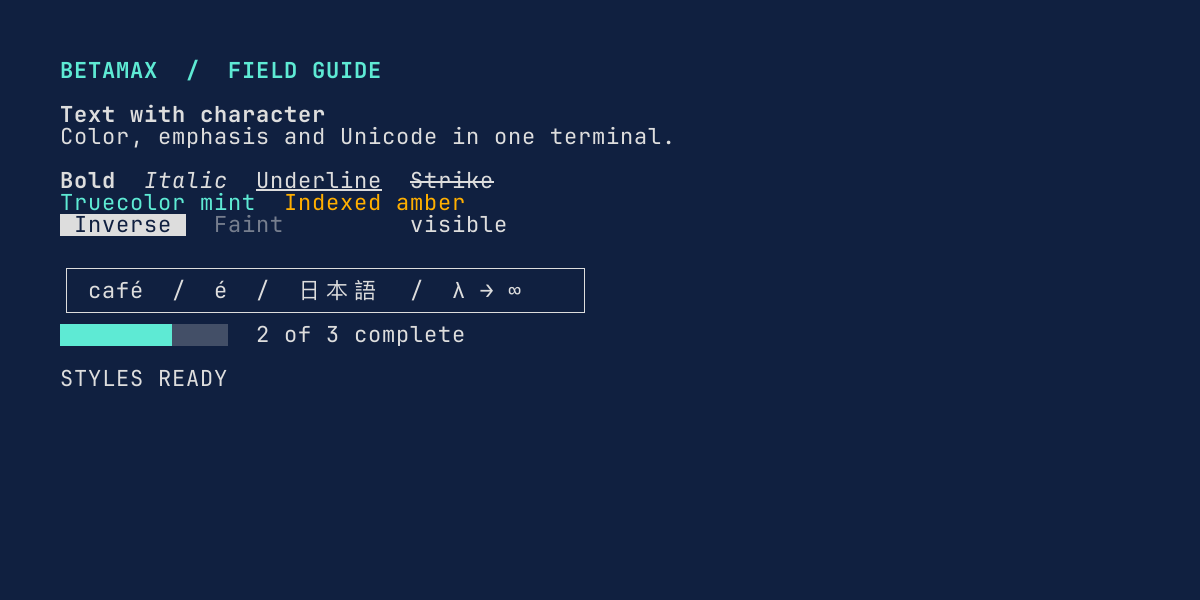
Default-0.1: the 0.1 defaults| Preset | Use it for |
|---|---|
Default |
The current default, which is Framed. A later release may select another look. |
Framed |
README and release media: bar, rounded window, outline, gradient, and shadow. |
Inset |
Docs and review images: a rounded, outlined panel on a solid surface. |
Bare |
Undecorated terminal content with the same sizing and typography. |
Default-0.1 |
Existing tapes that should keep Betamax 0.1 sizing, theme, and padding. |
Explicit Set values override the preset no matter which line comes first, so a tape can start
from a preset and change one thing:
Set Preset InsetSet Theme "GitHub Light Default"Set BorderRadius 6Framed and Inset derive their backdrop and bar colors from the final theme: a slightly lighter and
darker version of a dark background, or two darker shades of a light one. Change the theme and the
frame follows; set MarginFill or WindowBarColor to choose colors yourself. The
preset table lists every resolved value.
Margin and backdrop
Section titled “Margin and backdrop”Margin is the space between the window and the image edge. MarginFill paints it with a color,
a linear gradient, a picture, or nothing at all:
Set Margin 44Set MarginFill "#232640"Set MarginFill "linear(to: bottom-right, #4d5b9e 0%, #232640 42%, #0f101a 100%)"Set MarginFill "image(backdrop.jpg)"Set MarginFill transparent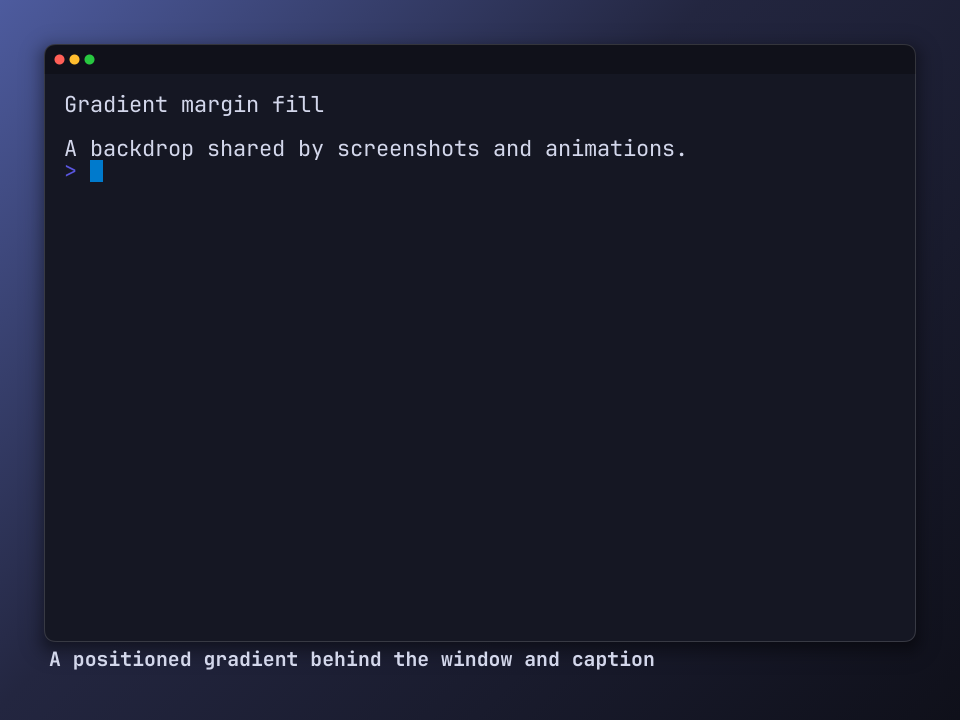
Gradients are linear(...) with an optional direction and two or more stops. Without a direction
they run top to bottom; to: <side-or-corner> and angle: <n>deg change that. Stops may carry
percentages, and if one does, they all must. This is Betamax syntax, not CSS: no radial
gradients. See Margin fill for the grammar.
Per-side margins
Section titled “Per-side margins”A string sets each side separately, in CSS order: "top right bottom left", or fewer values that
repeat as in CSS. Use it to move the window off-centre or reserve room for a caption or a logo:
Set Margin "40 200 120 40"See margin-sides.tape.
Images
Section titled “Images”A bare path such as Set MarginFill "backdrop.jpg" stretches the picture over the output, as VHS
does. image(backdrop.jpg) keeps its aspect ratio and crops to cover; add contain, tile, or
stretch as a second argument to change that. Relative paths are tried from the working directory,
then beside the tape. See Image margin.
Transparency
Section titled “Transparency”Set MarginFill transparent leaves the backdrop clear, so the window and its shadow sit on whatever
page shows the image. #rrggbbaa colors tint the page, and transparent works as a gradient stop:
Set MarginFill transparentSet MarginFill "#0f101a80"Set MarginFill "linear(to: bottom, #4d5b9e, transparent)"This image has a transparent margin. Switch the site between light and dark to see the page behind it change:
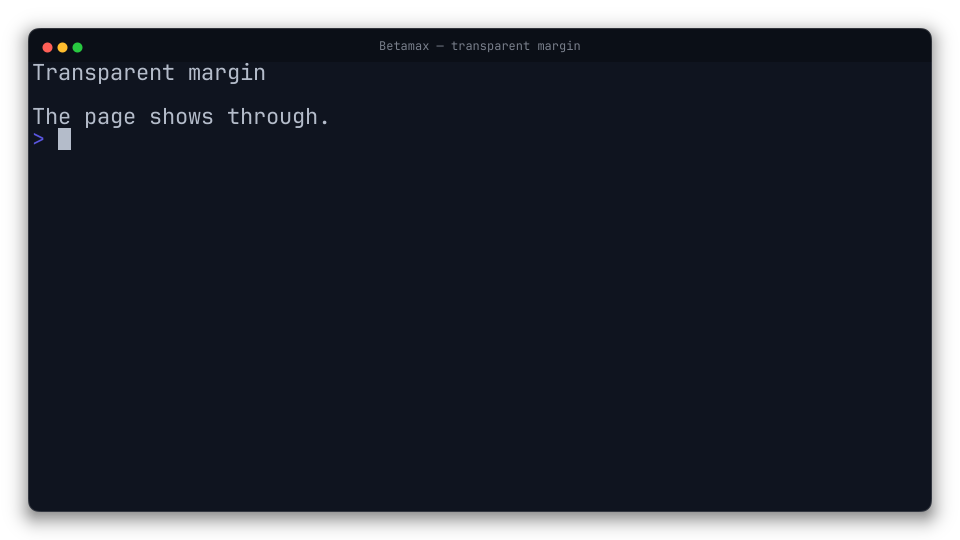
The window, bar, border, and terminal stay opaque. The shadow becomes translucent black, which
darkens any page. PNG, Screenshot, PNG sequences, WebP, and WebM keep full alpha. GIF has only
on/off transparency, so the soft shadow and antialiased corners drop out. MP4 has no alpha and is
rejected before the shell starts. Captions keep their theme colors, so check them against the page
they will sit on. See Transparent margin.
Window bar
Section titled “Window bar”Set WindowBar RingsRightSet WindowBarColor "#0f101a"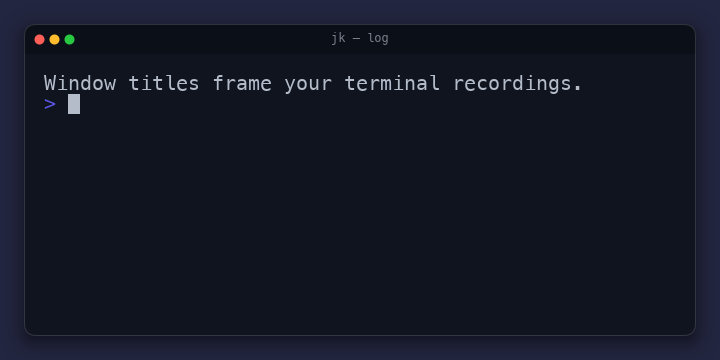
Colorful with a WindowTitle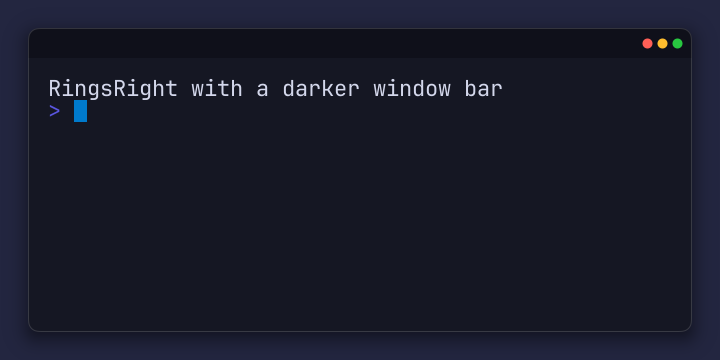
RingsRight with a darker WindowBarColorAny non-empty WindowBar value draws red, yellow, and green dots on the left. Values ending in
Right, such as ColorfulRight or RingsRight, put them on the right. Set WindowBar "" removes
the bar and its title. WindowBarSize sets its height, 30 by default. WindowBarColor accepts
#rrggbb and otherwise follows the preset’s theme-derived surface.
Window titles
Section titled “Window titles”Set WindowTitle "jk — log"The title is centered on the bar in FontFamily at 40% of the bar height. It never overlaps the
dots, and long titles end with …. Its color is picked automatically for at least 4.5:1 contrast
with the bar; set WindowTitleColor "#rrggbb" to choose one.
Programs can set the title too. Like a real terminal, Betamax follows OSC 0 and OSC 2 title
sequences, so a TUI that names its current view shows that name in the recording. A runtime
WindowTitle command takes the title back, and whichever assignment came last wins:
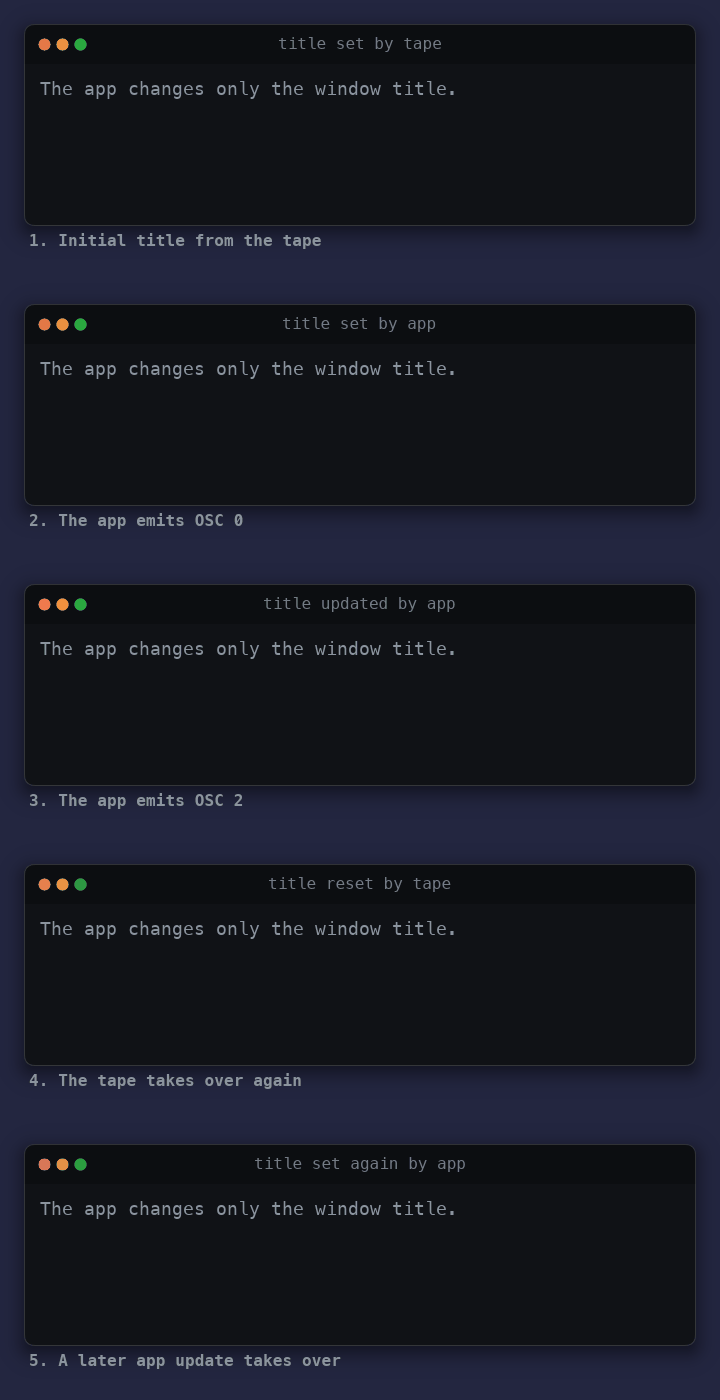
Set WindowTitle "title set by tape"
Type "printf '\033]2;title set by app\007'"EnterSleep 1s
WindowTitle "title reset by tape"Sleep 1s
Set WindowTitleFromTerminal false to keep only the tape’s title. Each title change keeps its own
frame in the animation, even when the app changes it several times in one burst. State JSON always
records the app’s own title in title, independent of what the bar displays. See
Following app titles.
Border, corners, and shadow
Section titled “Border, corners, and shadow”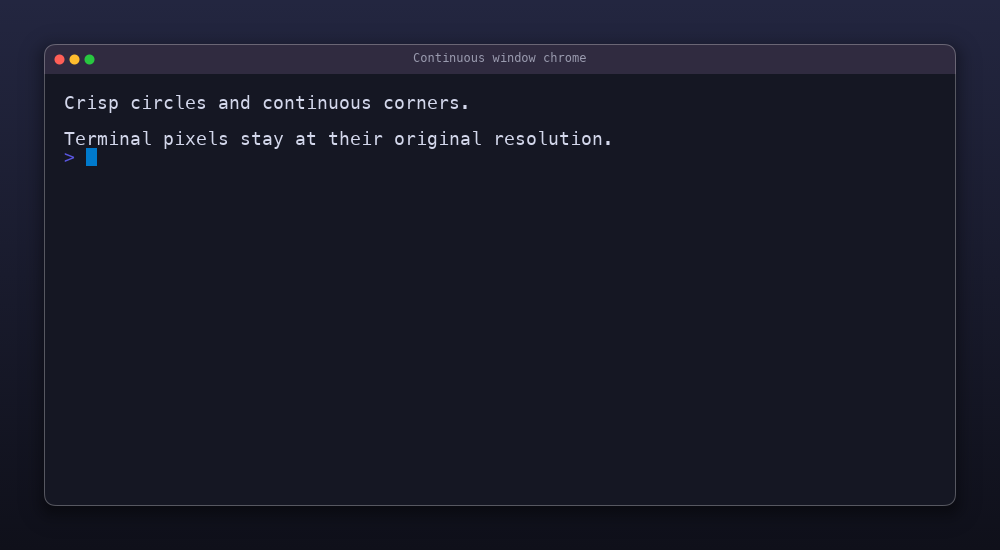
Set BorderRadius 11Set WindowBorder 1Set WindowBorderOpacity 0.28Set Shadow trueSet ShadowBlur 28Set ShadowOffset 9- Corners:
BorderRadiususes continuous corners that ease into the straight edges, like macOS windows. The window, border, and shadow share the same shape.0keeps square corners. - Border:
WindowBorderis a thin outline around the bar and terminal together, in pixels.WindowBorderColordefaults toauto, which picks white or black against the theme background, andWindowBorderOpacitydefaults to0.15.0removes it. - Shadow: a soft black shadow below the window.
ShadowBluris a CSS-style blur radius,ShadowOffsetmoves it down (or up, if negative), andShadowOpacitysets its strength. It needs a margin to show in: leave at leastShadowBlur + ShadowOffsetpixels so it fades out before the image edge. It shows best on a gradient or a backdrop lighter than black.
Decoration never covers terminal cells. The window grows outward into the margin to make room for
its border and corners; if the margin is too small, the tape fails at startup and asks for a larger
Margin or smaller BorderRadius.
A complete look
Section titled “A complete look”This tape uses the bundled SP Night theme with a custom gradient, bar color, and title. Start from a preset, then set the details:
Set Theme "sp_night_noite"Set Width 900Set Height 360Set Padding 24Set Margin 44Set MarginFill "linear(#232640, #0f101a)"Set WindowBarColor "#0f101a"Set WindowTitle "SP Night — Noite Paulista"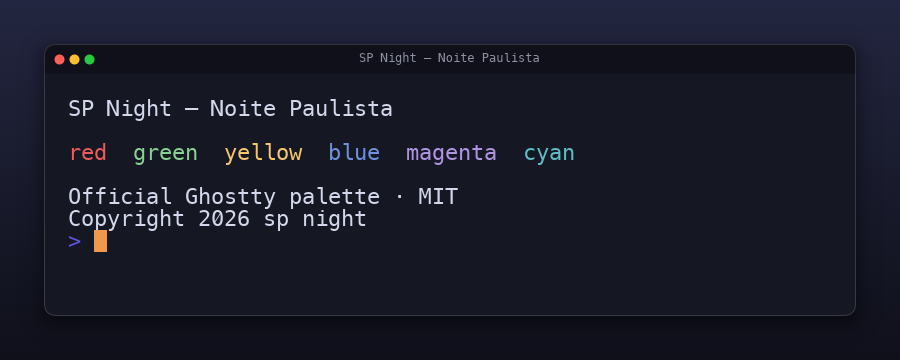
Examples
Section titled “Examples”Each tape renders one feature on its own:
presets-framed.tape, with-inset,-bare, and-default-0.1variants, renders the same scene with each preset.margin-gradient.tapeandmargin-transparent.tapeshow backdrop fills.window-bar-color.tape,window-title.tape, andwindow-title-from-app.tapeshow the bar and titles.window-border.tape,window-shadow.tape, andwindow-chrome.tapeshow the outline, shadow, and corners.sp-night.tapeis the complete look above.