Interactive viewer
examples/viewer.rs is a
complete host application: terminal setup and restoration, an event loop, key bindings, mouse
hit-testing, search input, selection with a copy preview, and file and context folding. Every
screenshot on this site comes from it or from
examples/minimal.rs.
cargo run --example viewercargo run --example viewer -- --aardvark-inkcargo run --example viewer --features syntax -- \ --fixture syntax --aardvark-ink --syntax Coldark-Dark --syntax-contrast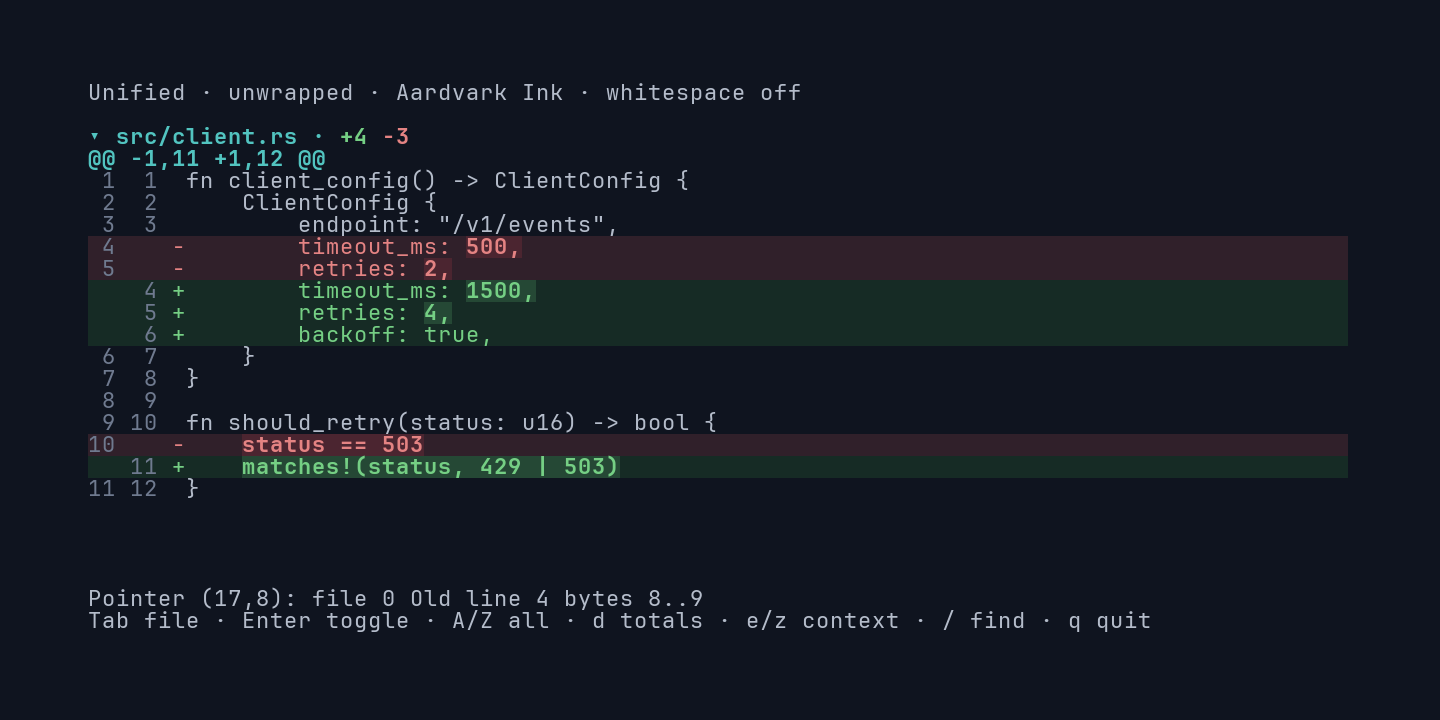
| Key | Action |
|---|---|
↑ ↓, j k |
Scroll one row |
PageUp PageDown |
Scroll one page |
Home End |
Start or end of the document |
← → |
Scroll horizontally (unwrapped) |
[ ] |
Previous or next hunk |
Tab Shift+Tab |
Focus the next or previous visible file header |
Enter |
Collapse or expand the focused file |
A Z |
Expand or collapse all files |
e z |
Expand the first visible context fold; fold all |
d |
Toggle document totals |
s |
Toggle unified and split view |
w |
Toggle wrapping |
t |
Toggle whitespace markers |
n |
Toggle line numbers |
i |
Toggle word highlights |
m |
Toggle monochrome |
h |
Toggle syntax colors (syntax feature) |
/ |
Search; Enter to confirm, Esc to clear |
f F |
Next or previous match |
v |
Start a selection; arrows, Home, End extend it |
c |
Show the selected text’s copy preview |
p |
Probe a fixed cell’s source coordinates |
q |
Quit |
Moving the mouse over source shows its file, side, line, and byte range in the status row; clicking a file header toggles it.
Options and fixtures
Section titled “Options and fixtures”| Flag | Effect |
|---|---|
--aardvark-ink |
Use the fixed RGB theme instead of the terminal palette |
--sticky-headers |
Keep the current file header visible |
--fixture NAME |
Load another built-in fixture |
--syntax THEME |
Prepare syntax colors with a bundled theme (syntax feature) |
--syntax-contrast |
Adjust syntax colors for contrast against the diff theme |
--syntax-licenses |
Print the bundled grammar and theme notices |
--capture VARIANT |
Render one widget-only frame for documentation captures |
Fixtures: showcase (default), context, files, alignment, unicode, unicode-text,
whitespace, multi-file, and syntax. All fixtures are generated in memory; the viewer never
reads files.
How the screenshots are made
Section titled “How the screenshots are made”Each figure is captured with Betamax from a tape in
examples/ against the viewer built
from the same revision as the site. To regenerate them locally:
python3 scripts/site-media.pycd site && pnpm install && pnpm dev